If you’ve ever used Format Factory on Windows, you’ll know how useful it is for converting videos, audio files, and images between different formats. Linux users have traditionally relied on command-line tools or multiple applications to accomplish the same tasks. Now, FormatFactory brings a familiar and powerful media conversion experience to Linux.
A Modern Media Converter for Linux
FormatFactory is a free and open-source media converter built on top of FFmpeg. It provides an easy-to-use graphical interface for converting audio and video files without requiring command-line knowledge.
Whether you want to convert MP4 to MKV, extract audio from videos, compress large files, or batch process media collections, FormatFactory makes the process simple.
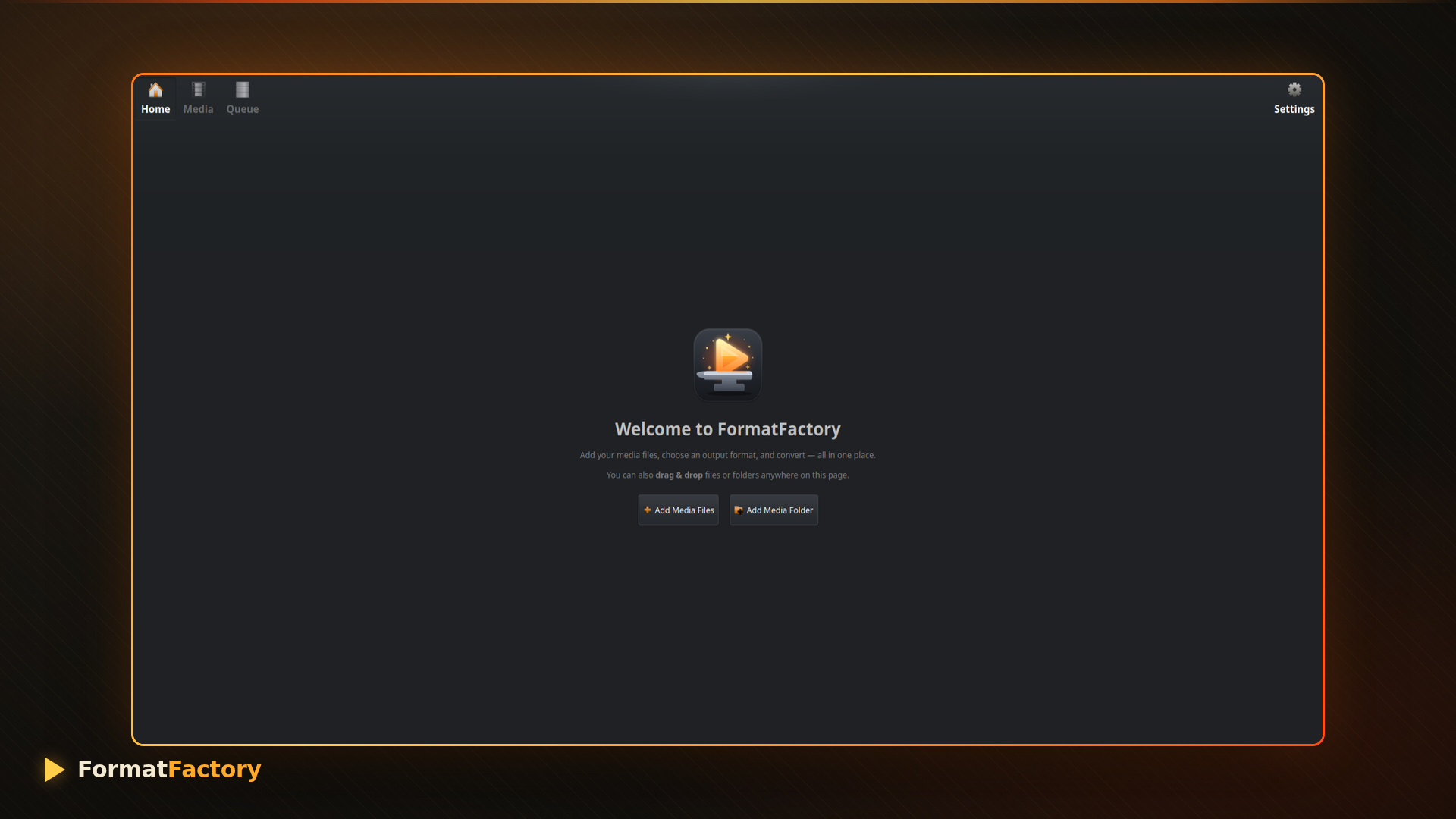
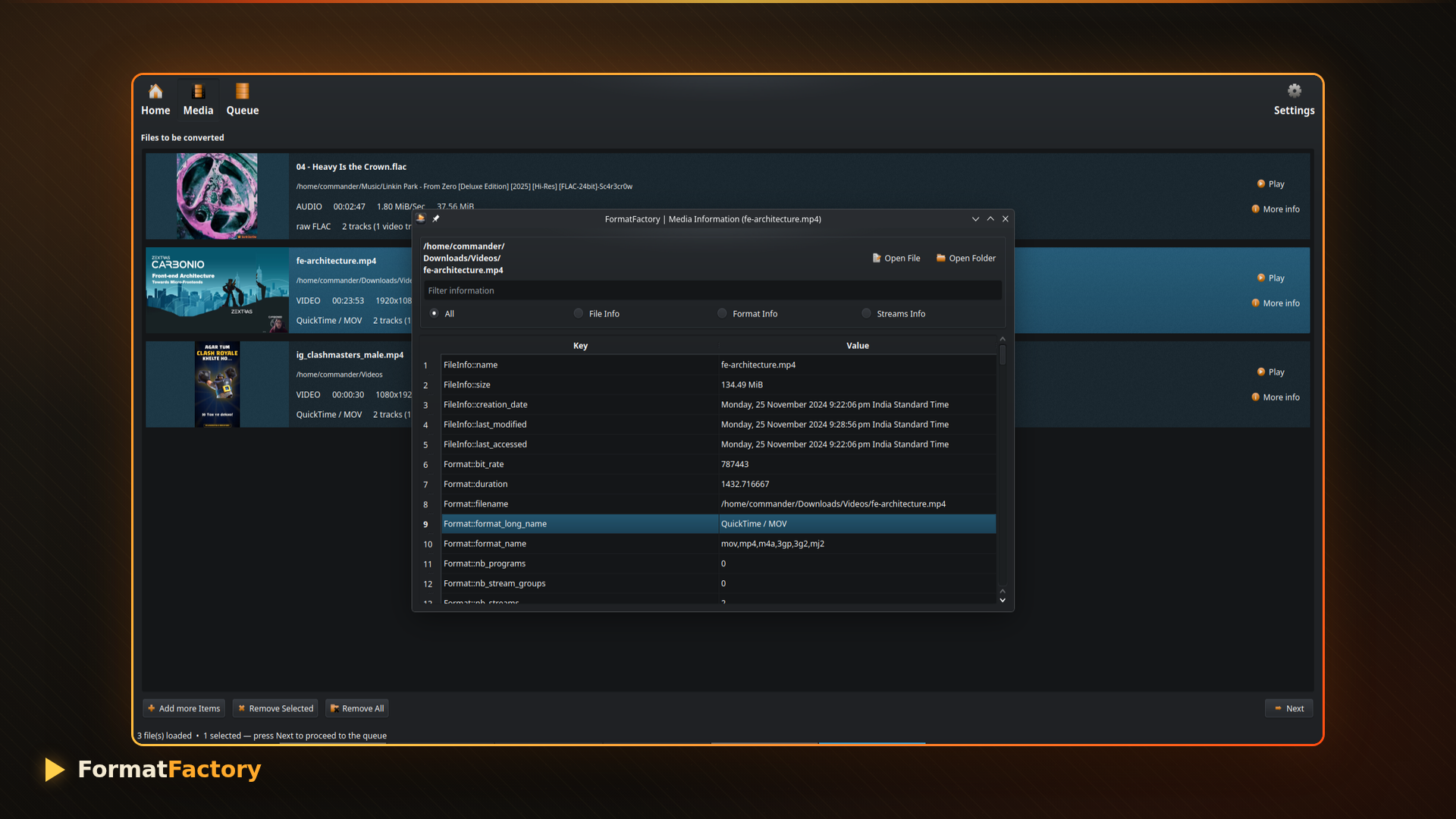
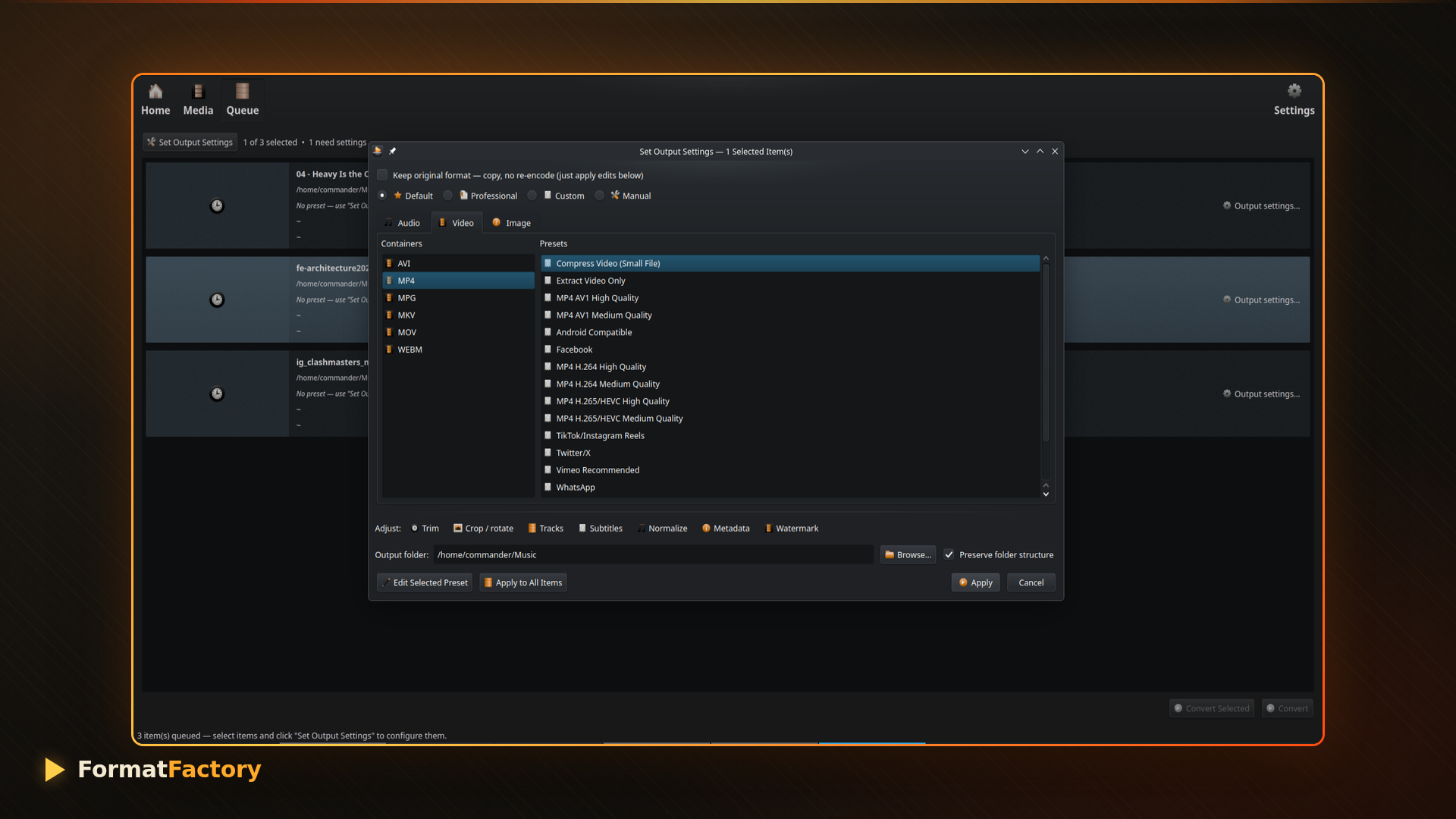
Screenshots
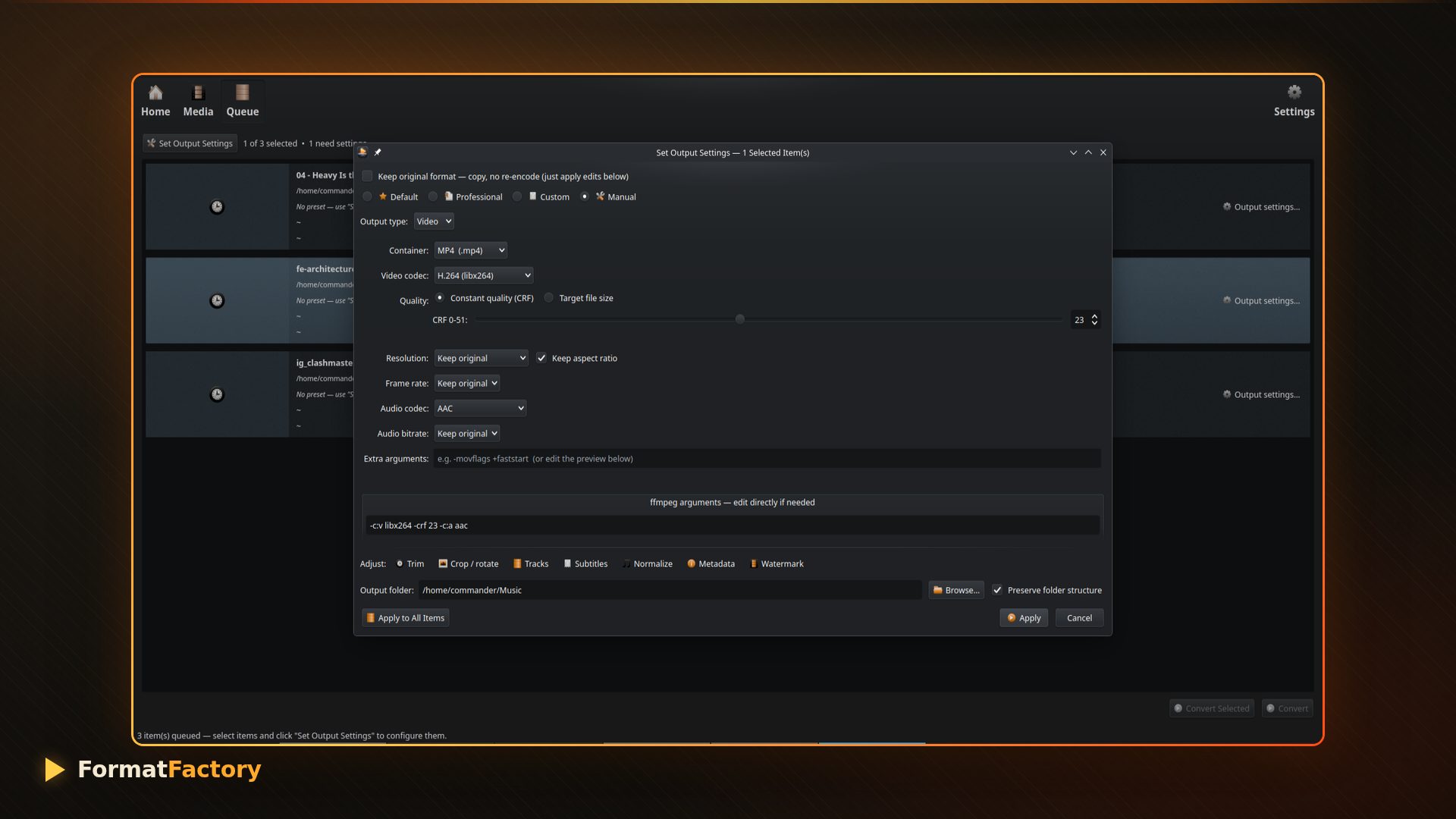
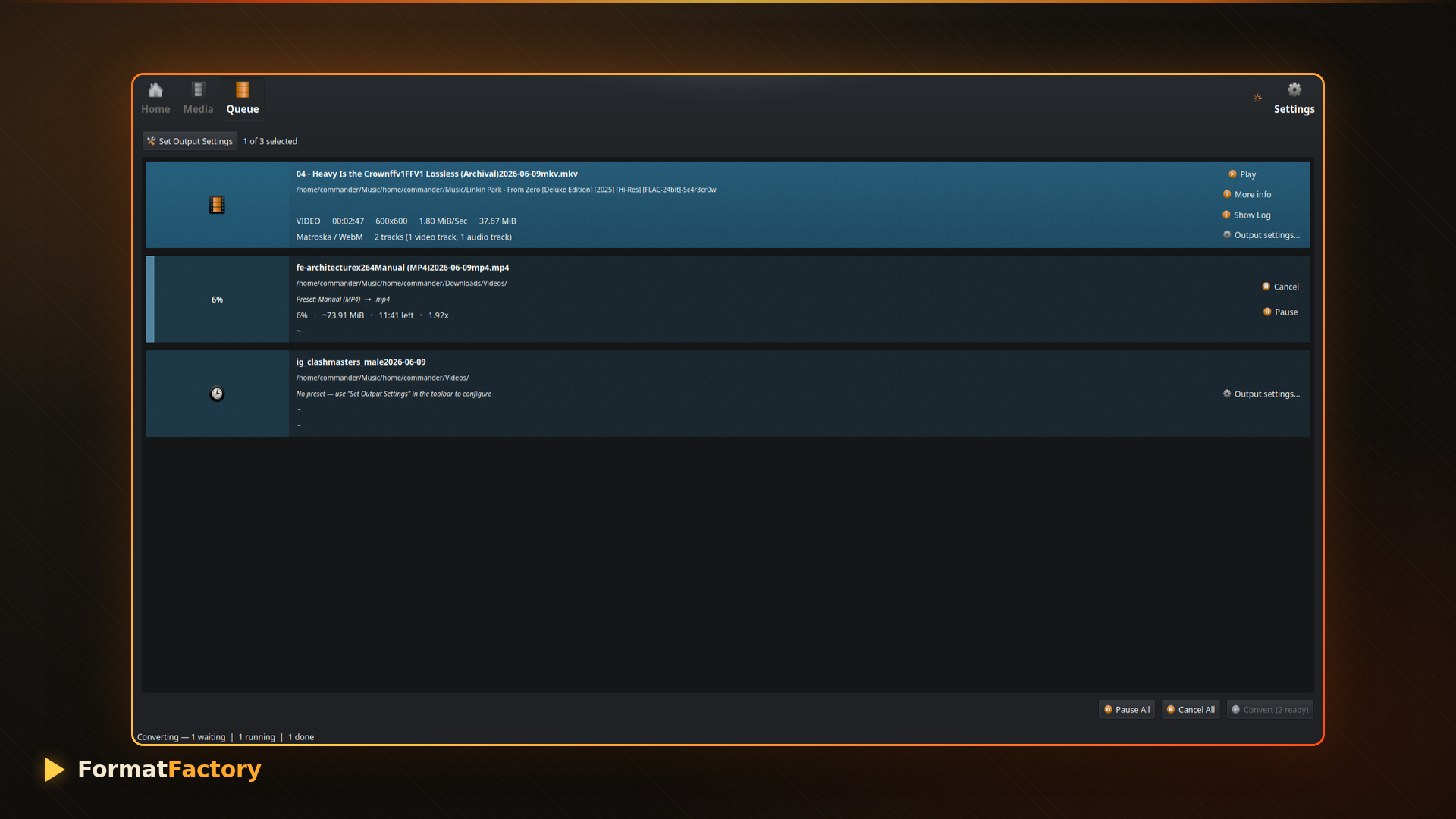
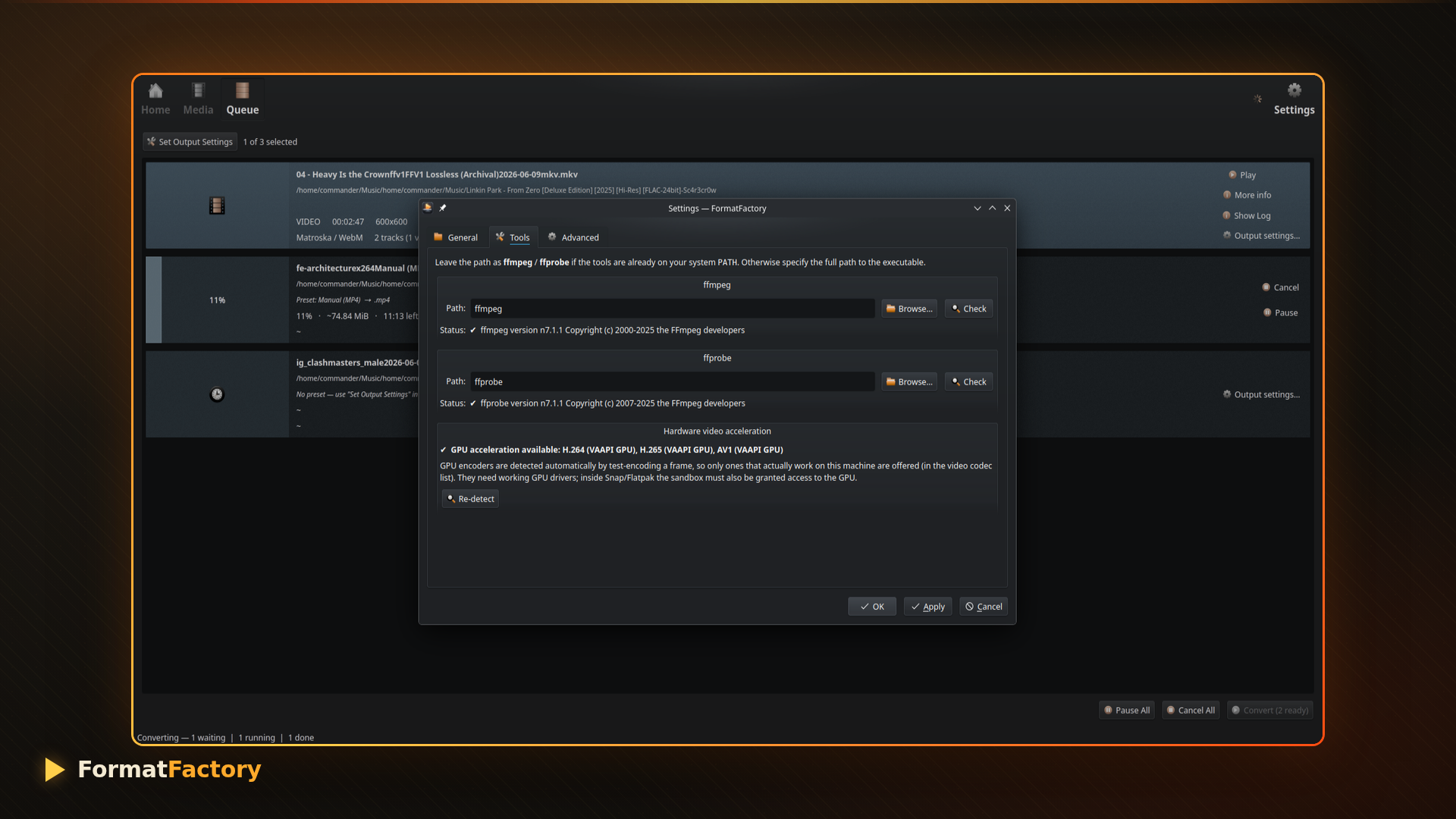
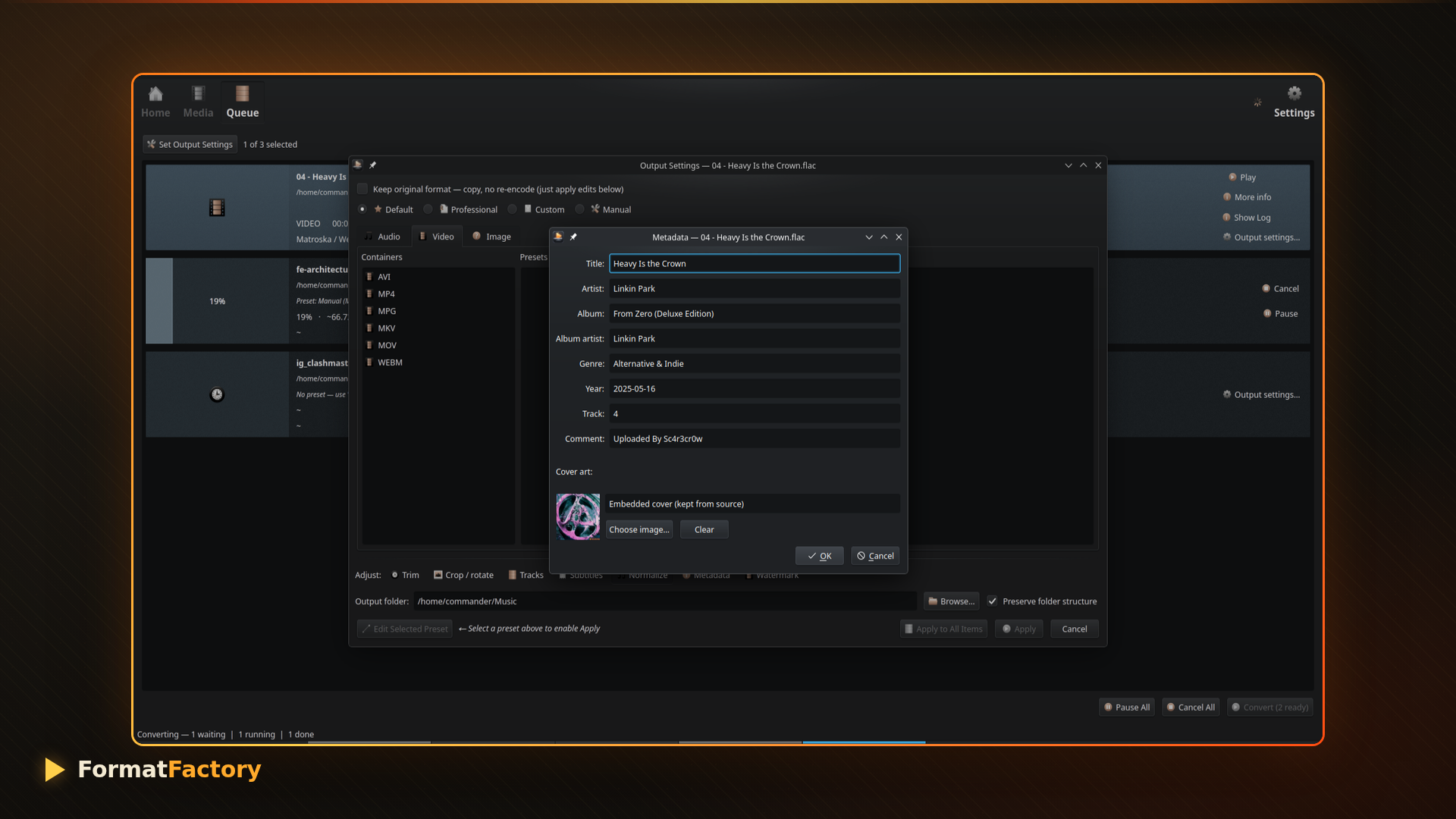
Features
Wide Format Support
Convert between popular formats including:
Video Formats
- MP4
- MKV
- MOV
- AVI
- WebM
- WMV
- FLV
- MPEG
- 3GP
- HEVC and more
Audio Formats
- MP3
- AAC
- FLAC
- WAV
- OGG
- Opus
- M4A
- AC3
- AIFF and more
Batch Conversion
Convert multiple files simultaneously to save time when processing large media collections.
Hardware Acceleration
Take advantage of GPU acceleration for faster video encoding and transcoding.
Video Quality Controls
Customize:
- Resolution
- Frame rate (FPS)
- Bitrate
- Audio quality
- Compression settings
Audio Extraction
Extract high-quality audio from videos and save them as MP3, FLAC, AAC, WAV, or other formats.
Simple Interface
FormatFactory offers a clean graphical interface built for Linux users who prefer convenience over complex FFmpeg commands.
Why Choose FormatFactory?
Many Linux users search for a Format Factory alternative because the original application is available only on Windows. FormatFactory provides a native Linux solution that combines the power of FFmpeg with a user-friendly interface.
Benefits include:
- Free and open source
- No cloud uploads required
- Local processing for privacy
- Batch conversion support
- Hardware acceleration
- Cross-distribution support through Snap packages
Install FormatFactory on Linux
FormatFactory is available through the Snap Store and works on Ubuntu, Linux Mint, Debian, Fedora, Pop!_OS, Manjaro, and other Linux distributions.
Install using:
sudo snap install formatfactoryPerfect For
- Content creators
- YouTubers
- Podcasters
- Video editors
- Linux enthusiasts
- Users migrating from Windows Format Factory
Final Thoughts
FormatFactory combines the flexibility of FFmpeg with an intuitive graphical interface, making it one of the easiest ways to convert videos and audio files on Linux. Whether you’re converting MP4 videos, extracting MP3 audio, or batch-processing media libraries, FormatFactory provides a fast and reliable solution.
If you’re looking for a powerful video converter for Linux, FormatFactory deserves a place in your toolbox.