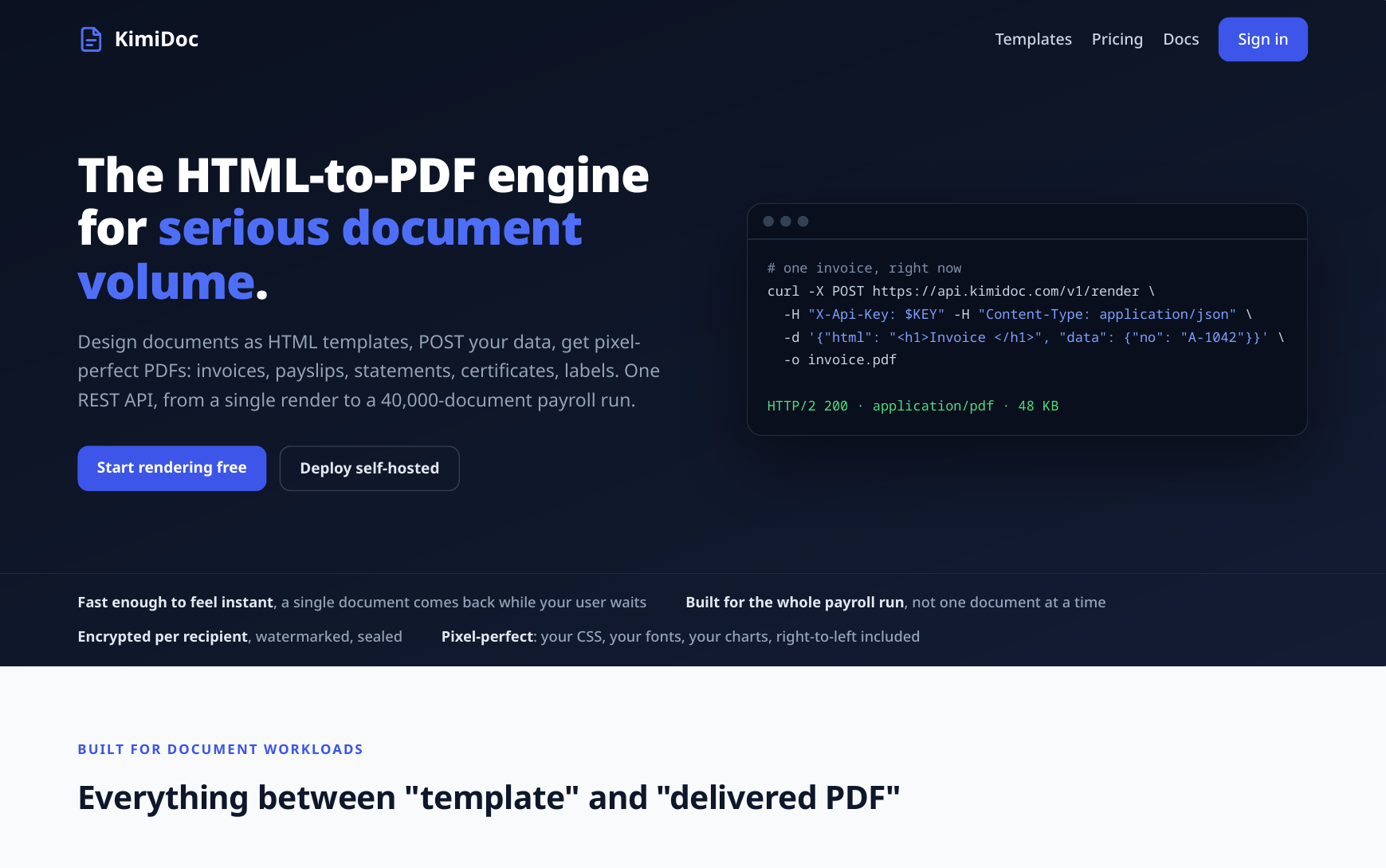
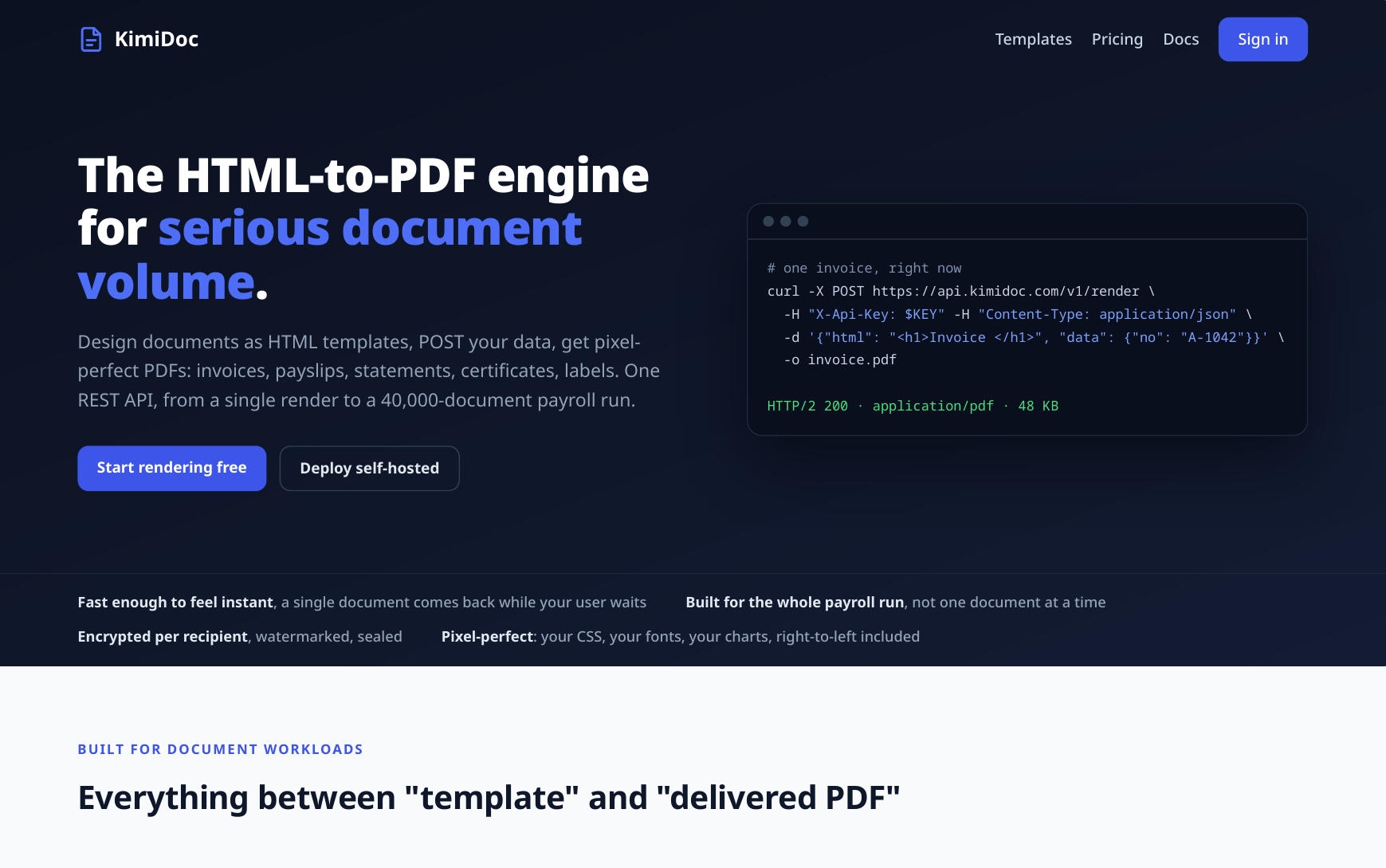
We have been quietly building a document engine, and it is ready to show: KimiDoc, an HTML to PDF API for teams that generate documents at volume. Invoices, payslips, statements, certificates, shipping labels: you design the document once as an HTML template, POST your data, and get back a pixel-perfect PDF. One REST call for a single document, one batch job for a 40,000-payslip payroll run.
Why we built it
Every product eventually needs to produce a document, and the tooling has aged badly. The old workhorse, wkhtmltopdf, was archived in 2023 with a critical unpatched vulnerability and a rendering engine that predates flexbox (we wrote up a factual comparison and migration guide). The do-it-yourself route means operating a fleet of headless browsers, each wanting hundreds of megabytes of memory. And most hosted APIs share one limitation that mattered to us: they are cloud-only, which is a hard stop the moment the documents carry salaries, balances, or diagnoses.
KimiDoc is our answer: a single lean service with a pre-warmed pool of renderers, so your request never waits for a browser to boot, and the same engine ships two ways. Use the hosted API and be rendering in minutes, or run it entirely inside your own network under a per-server licence, where the data never leaves and nothing phones home.
Templates are just HTML and CSS
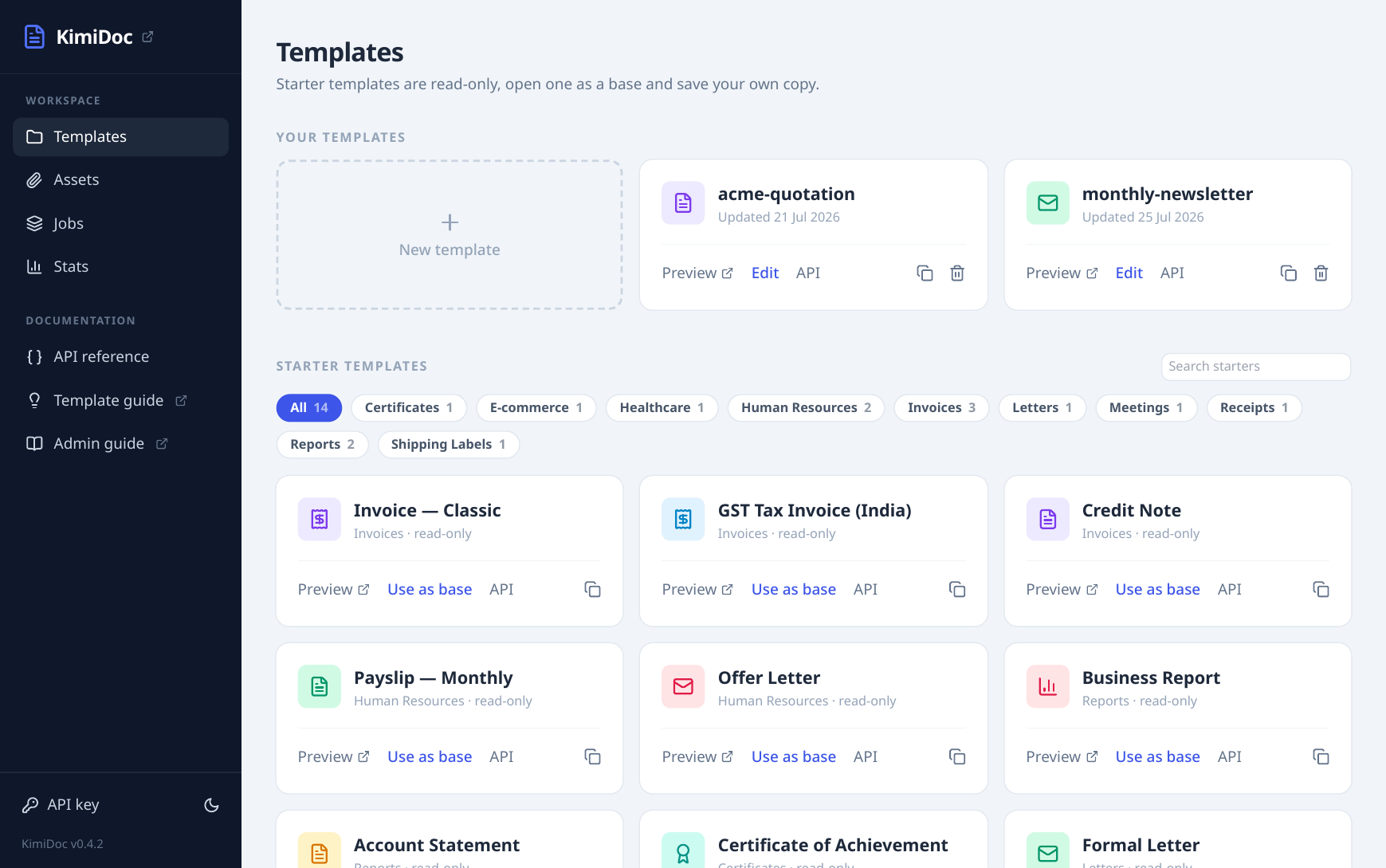
No proprietary designer, no drag-and-drop lock-in. A template is a complete HTML document with mustache placeholders like {{customer.name}}, and the rendering engine is a current Chromium-class engine, so the CSS your web team already writes works as is: flexbox, grid, web fonts, SVG charts, right-to-left text. Running headers and page numbers are plain CSS @page margin boxes. To save you the blank-page start, KimiDoc ships more than 100 ready-made templates across 20 categories, and every preview on that page is a real render from the template’s own sample data, not a mockup.
An editor with a live preview
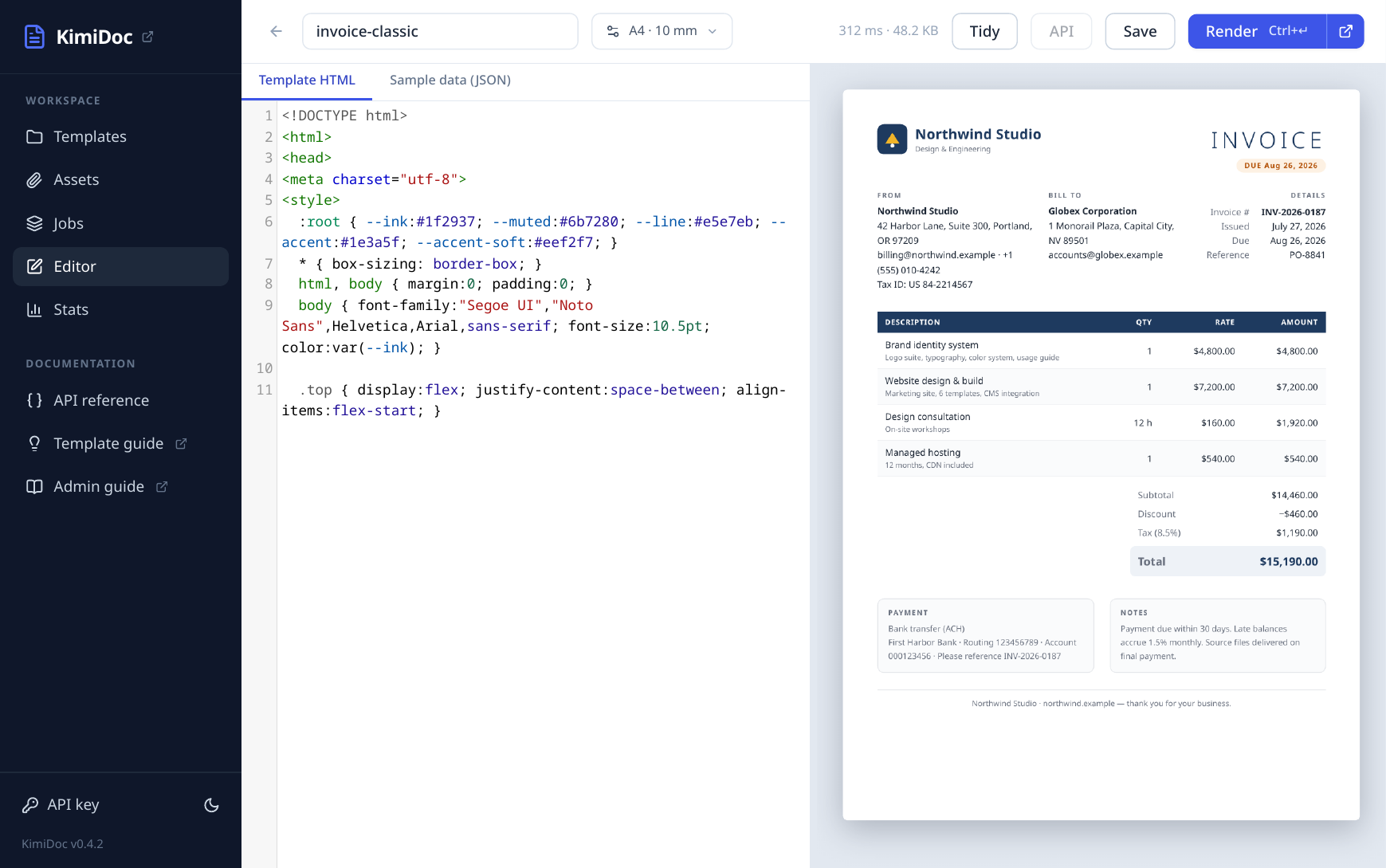
The console includes a split editor: template HTML and sample data on the left, rendered PDF on the right, with page setup for sizes down to 80 mm receipt rolls. Editor previews are free and unmetered on every plan, so designing a template never spends your quota.
One request, or forty thousand
The same API scales from a single synchronous render to batch jobs of up to 40,000 documents: submit the whole payroll run as one request, poll or receive a signed webhook when it finishes, and download a ZIP with a reconciliation manifest. Failures are per-document and retryable, so one bad row never costs you the run. Post-processing is built in, not an add-on: AES-256 encryption with a per-recipient password, permission restrictions, watermark stamping, and appending fixed pages such as terms and conditions.
curl -X POST https://api.kimidoc.com/v1/render \
  -H "X-Api-Key: $KEY" -H "Content-Type: application/json" \
  -d '{"html": "<h1>Invoice {{no}}</h1>", "data": {"no": "A-1042"}}' \
  -o invoice.pdf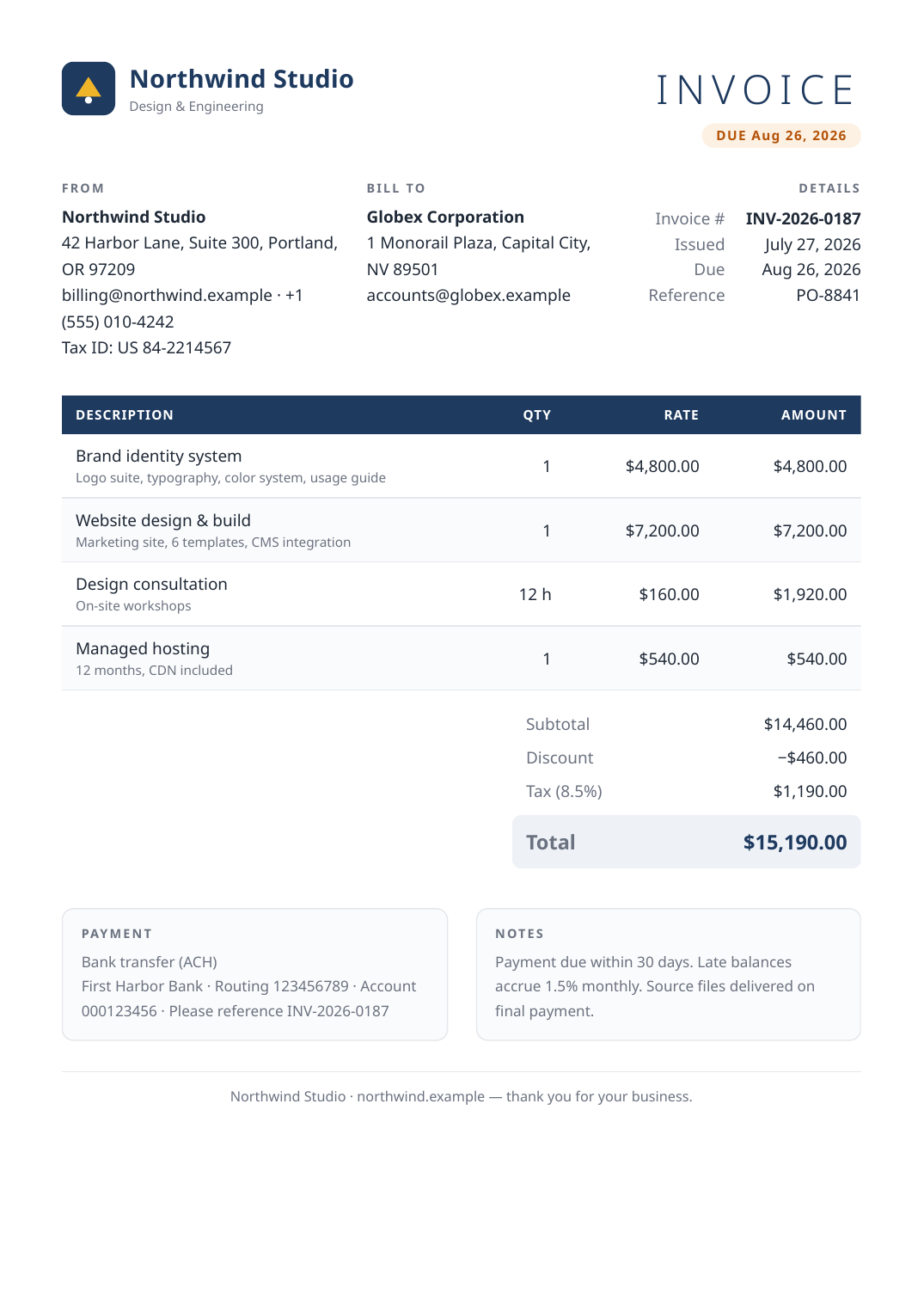
AI template generation, without a hosted model
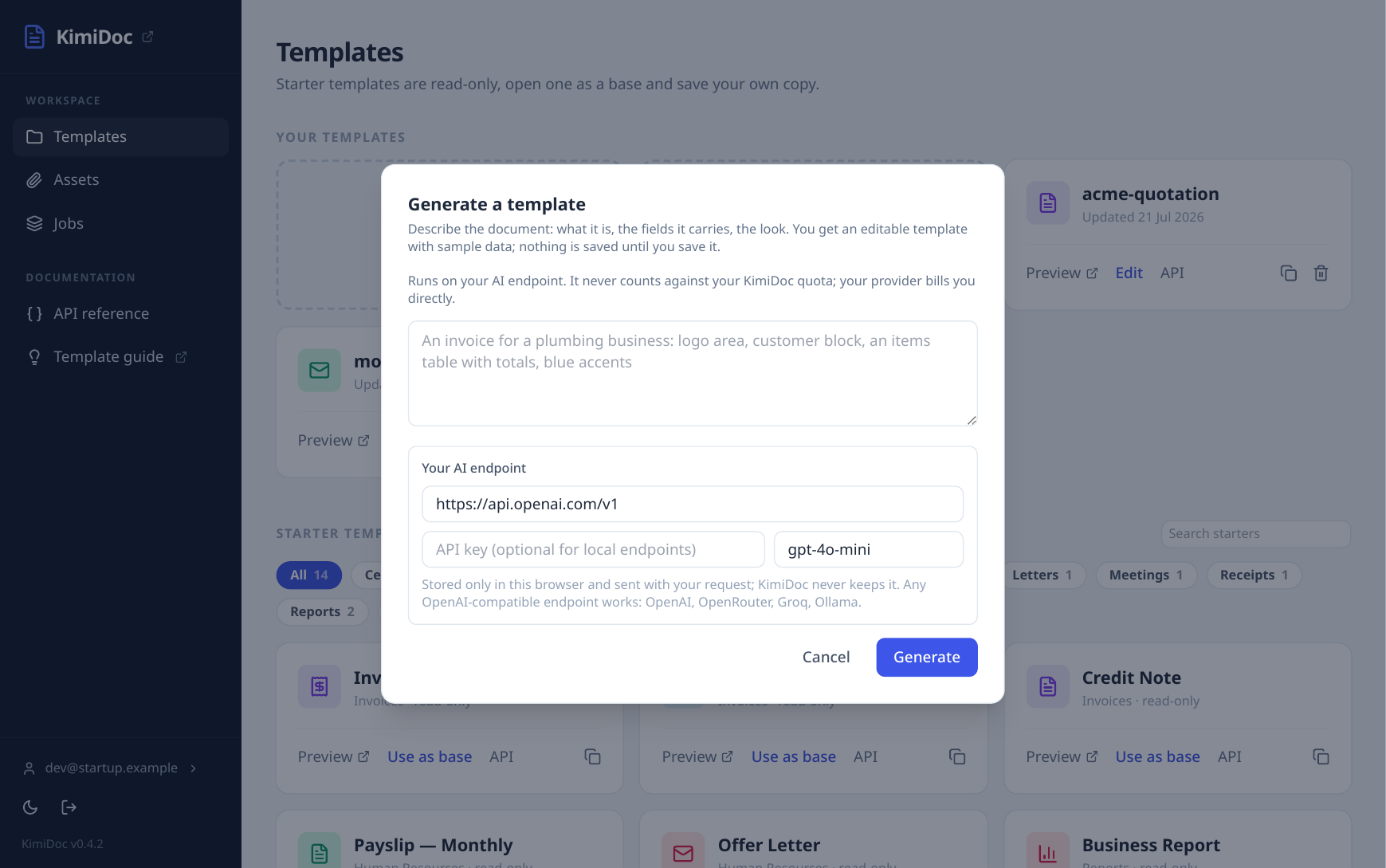
Describe the document in a sentence and KimiDoc drafts the template and its sample data, ready to refine in the editor. We deliberately host no model: you bring any OpenAI-compatible endpoint (OpenAI, OpenRouter, Groq, or a local Ollama), your key stays in your browser and is never stored, and self-hosted operators can configure an endpoint server-wide. The generated template goes through the same save and render path as hand-written HTML, with no special trust.
Pricing that stays out of the way
One meter: successfully rendered documents. Failed renders never count, previews never count, and every feature is included on every plan. The free tier renders 100 documents a month with no card, paid plans start at $9 for 1,000 documents (with INR pricing for India), and every paid plan works out to less than a cent per document. Yearly billing gives two months free. Details on the pricing page, and self-hosted licensing is per server, per year: write to hello@kimidoc.com.
Try it
Start at kimidoc.com: browse the template gallery, open a starter in the editor, and render your first document on the free tier in a couple of minutes. If you are migrating from wkhtmltopdf, Puppeteer, or a hosted API, the comparison guides are honest about when the other tool is the right choice, and each ends with a concrete migration path.