Linux users have no shortage of command-line tools for media conversion, but graphical applications that combine power with ease of use are surprisingly rare. If you’re looking for a modern FFmpeg GUI that supports batch conversions, visual editing tools and hardware acceleration, FormatFactory deserves a closer look.
Built with Qt 6 and powered by the system FFmpeg installation, FormatFactory aims to provide a complete media conversion workflow without requiring users to memorize complex commands.
Screenshot
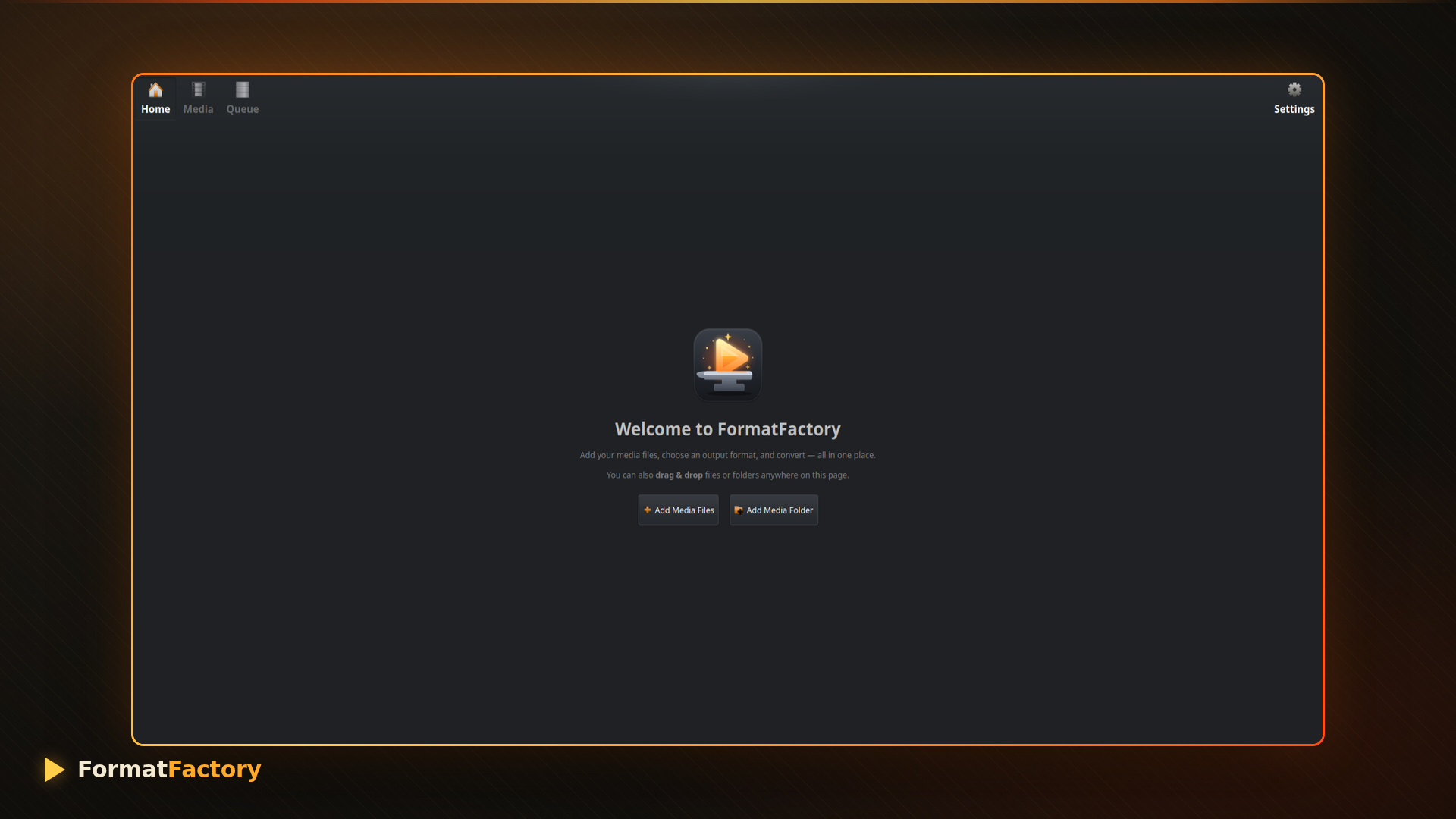
What Is FormatFactory?
FormatFactory is a free and open-source media transcoder for Linux that provides a graphical interface for FFmpeg. It allows users to convert videos, audio files and images in batches while offering advanced options usually reserved for command-line users.
Unlike applications that bundle outdated codecs, FormatFactory uses the FFmpeg and FFprobe binaries installed on your system, ensuring compatibility with the latest codecs and features.
Designed for Simple and Advanced Workflows
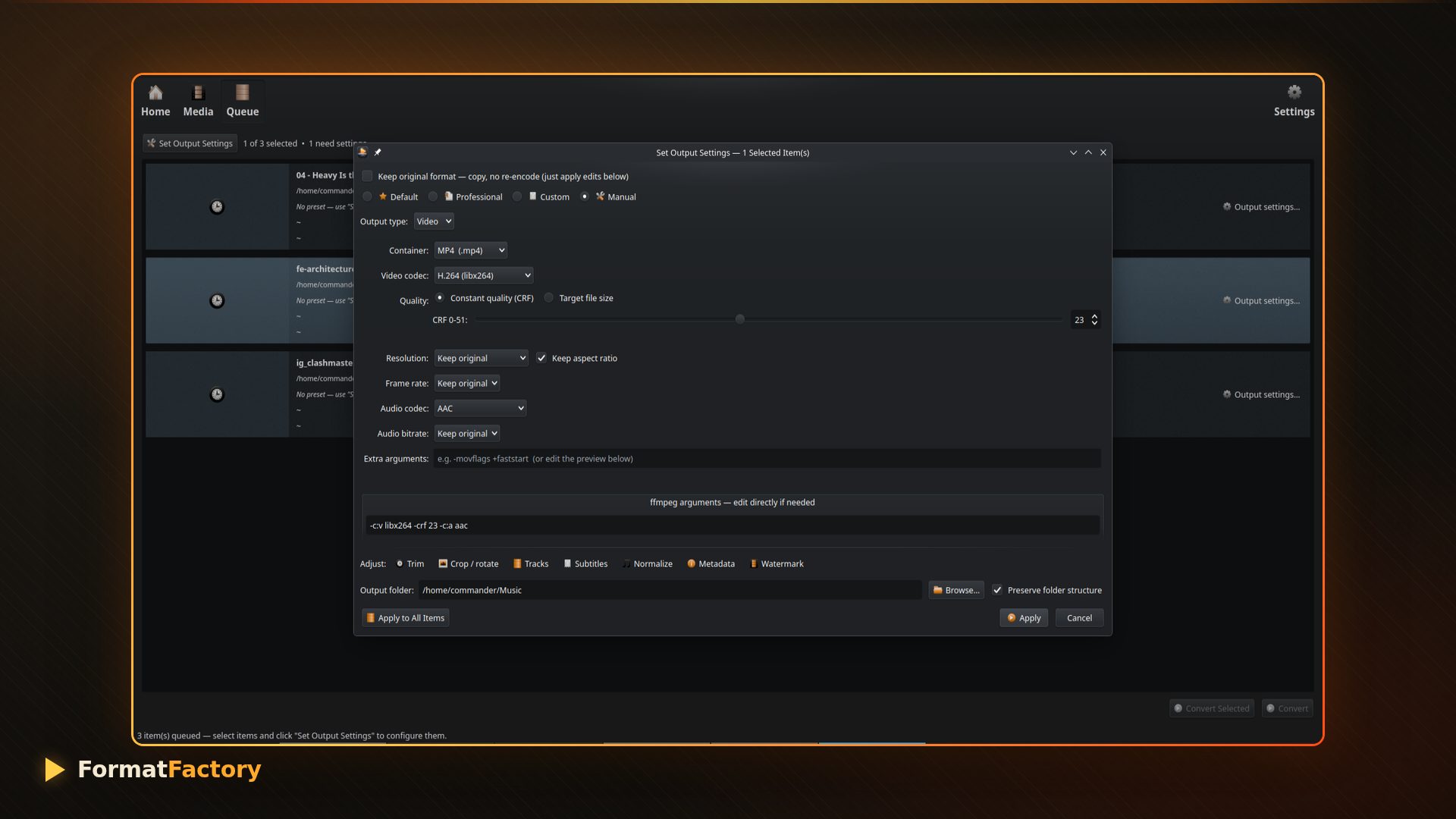
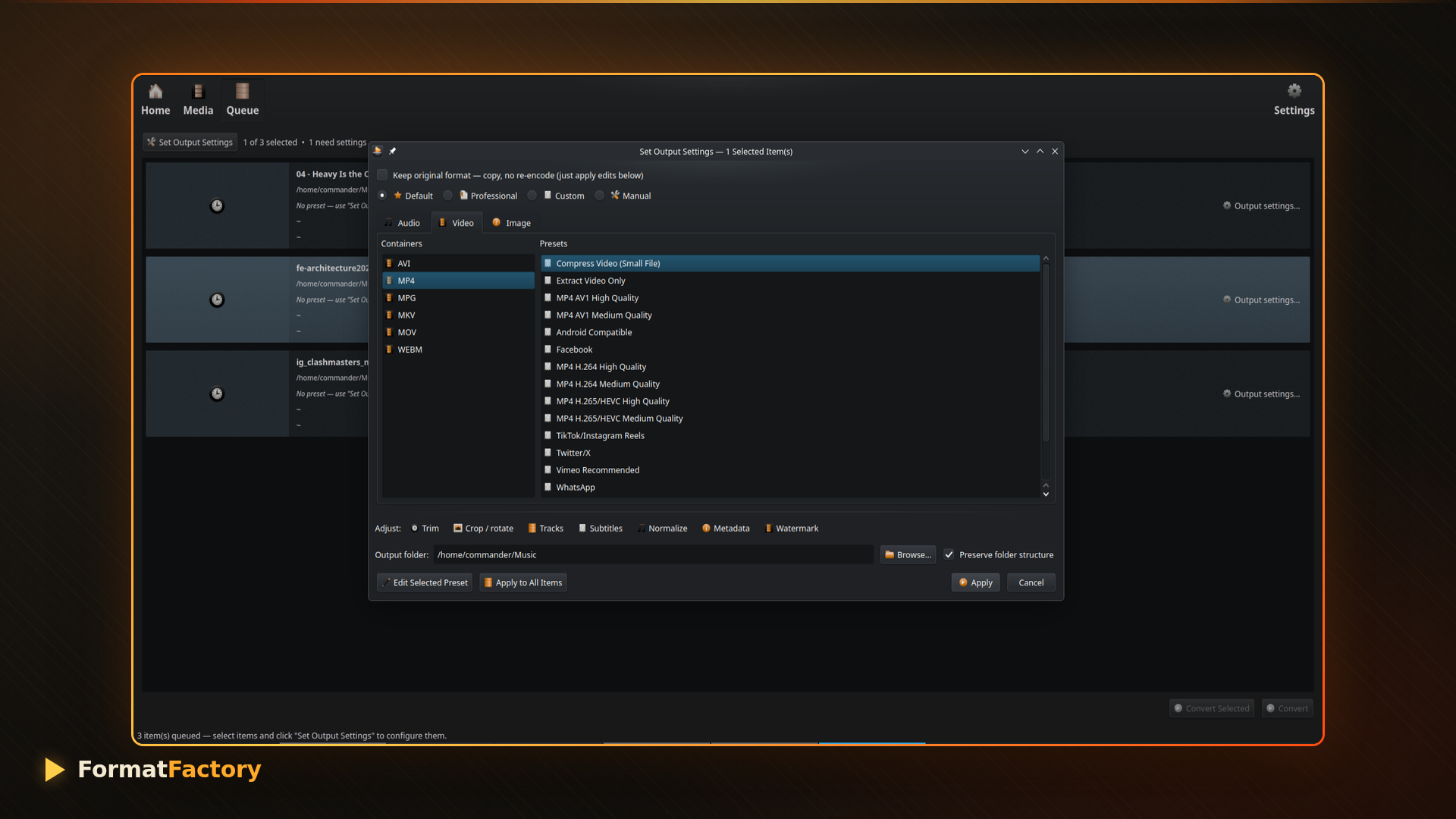
Beginners can use ready-made presets to quickly convert files for YouTube, smartphones, TVs or social media platforms. More experienced users can edit FFmpeg commands directly, create custom presets and explore encoder options without leaving the application.
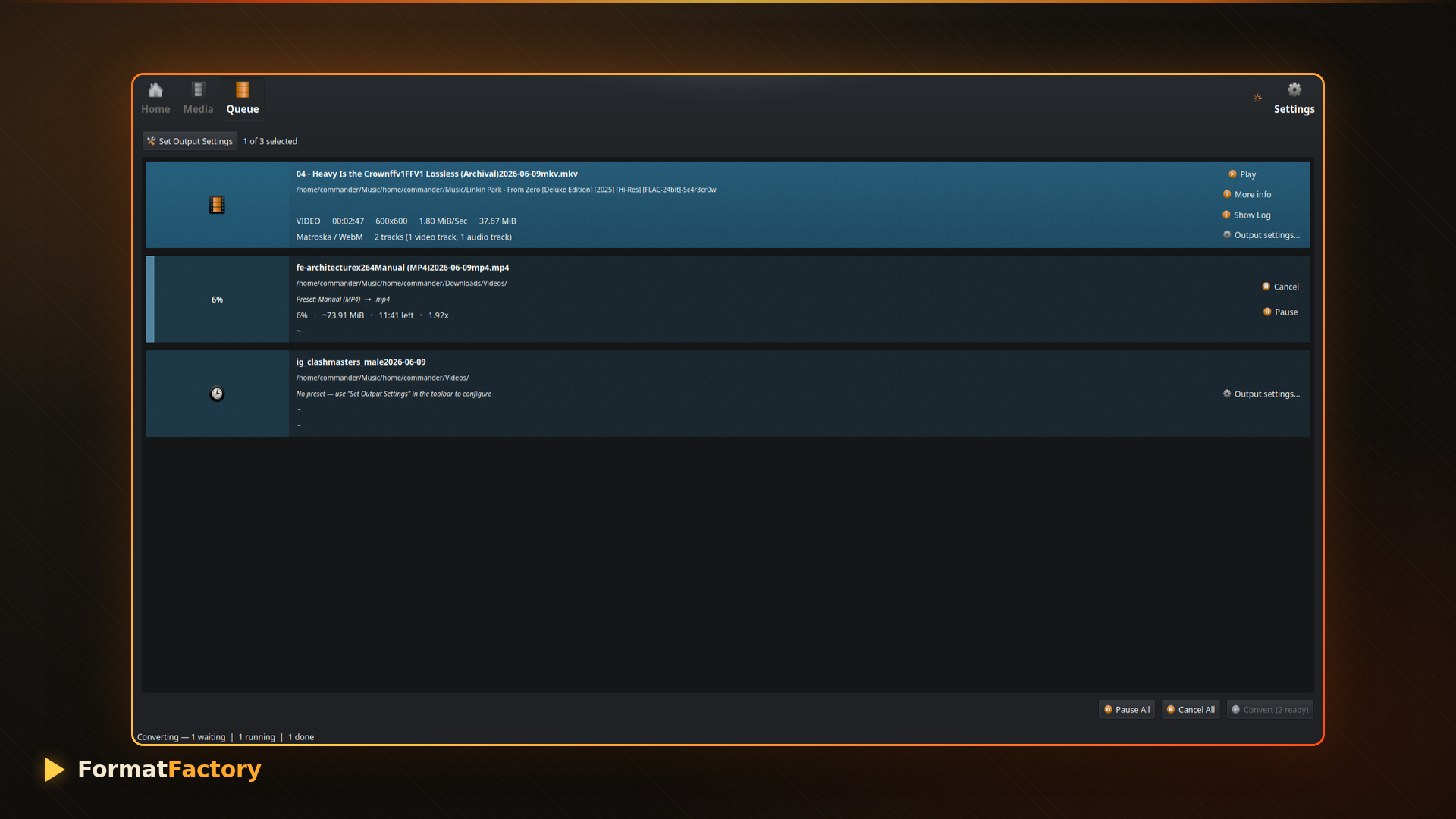
Whether you’re converting a few videos or processing hundreds of files, the built-in queue manager keeps everything organized with live progress tracking and estimated completion times.
Extensive Presets for Everyday Use
FormatFactory includes presets for:
- YouTube uploads
- Instagram and vertical videos
- Mobile devices
- Messaging applications
- Gaming consoles
- Smart TVs
- Podcasts and voice recordings
- 4K, 5K and 8K video encoding
Users can also create their own presets and reuse them later.
Hardware Acceleration Support
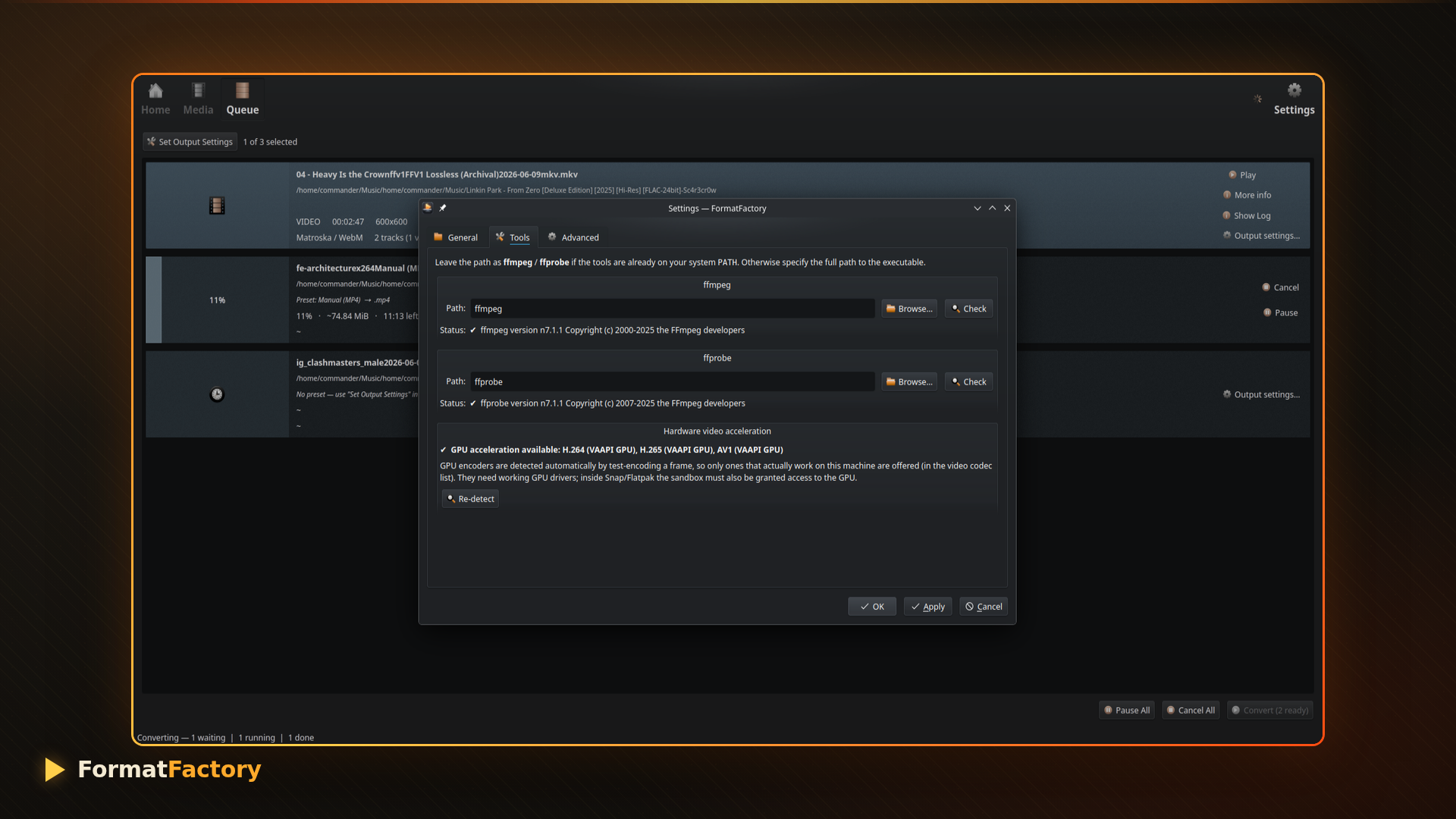
Video encoding can be accelerated automatically using supported hardware encoders such as:
- NVIDIA NVENC
- Intel Quick Sync
- VAAPI
- AMD AMF
- Apple VideoToolbox
When available, FormatFactory detects and offers these encoders, making large video conversions significantly faster.
More Than Just a Converter
FormatFactory also includes editing capabilities that eliminate the need for separate tools.
Trim Videos with Frame Preview
Precisely select start and end points using visual frame previews.
Crop, Rotate and Flip Videos
An interactive crop canvas makes it easy to prepare content for different aspect ratios and social media platforms.
Improve Video Quality
Built-in enhancement filters allow you to:
- Reduce noise
- Sharpen videos
- Adjust brightness and contrast
- Modify saturation and gamma
- Apply deinterlacing
Live previews make these changes easier to fine-tune.
Manage Audio and Subtitles
FormatFactory supports:
- Audio normalization
- Multiple audio tracks
- Subtitle burn-in
- Embedded subtitle tracks
- External subtitle files
- Language tagging
This makes it suitable for creating content for international audiences.
Useful One-Click Tools
Besides conversion, FormatFactory provides several quick actions:
- Extract audio from videos
- Extract subtitles
- Generate GIFs and animated WebP images
- Remove audio tracks
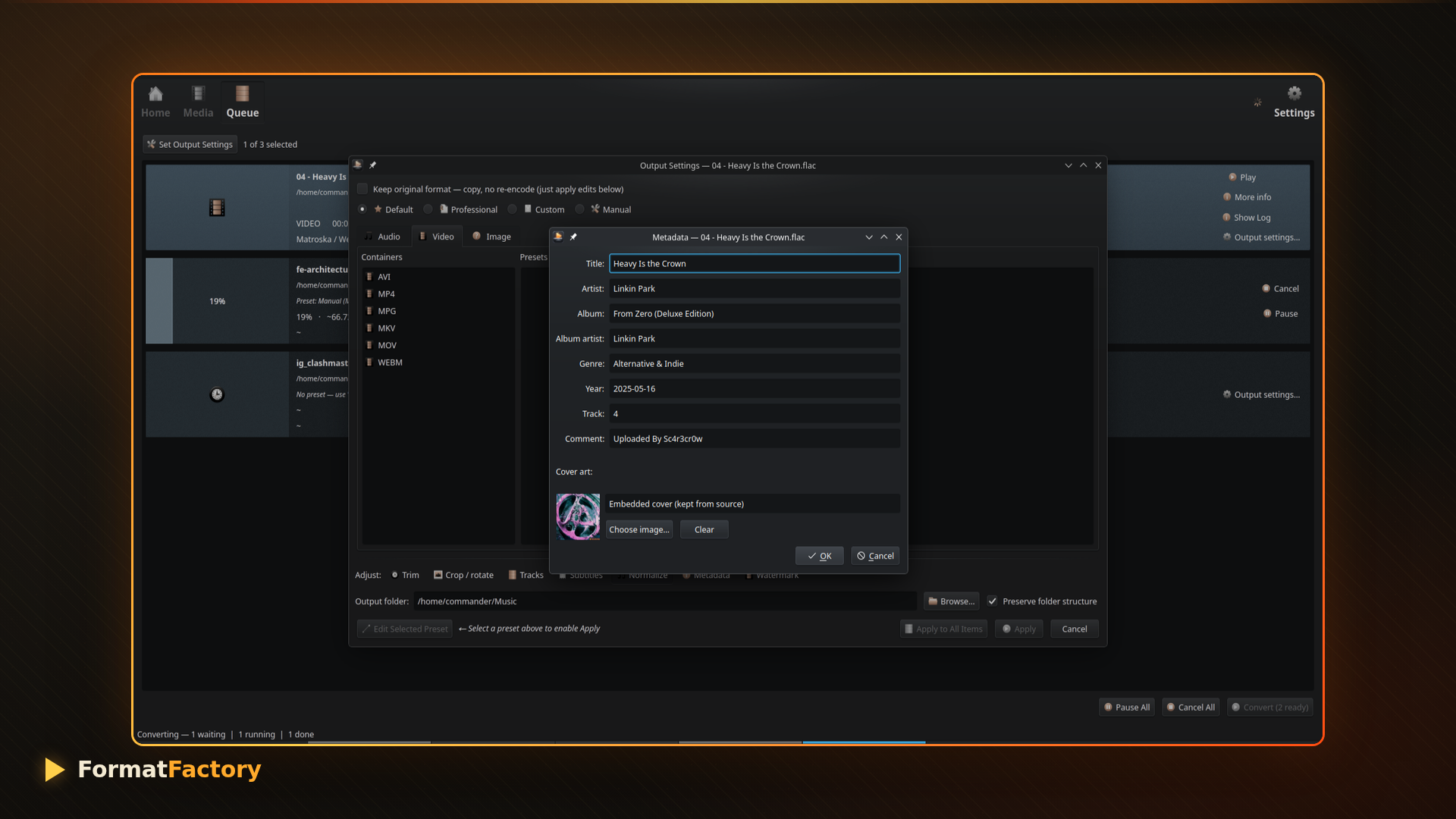
- Strip metadata
- Capture poster frames
- Export image sequences
- Change containers without re-encoding
These tools can save time during everyday media processing tasks.
Built for Batch Processing
One of FormatFactory’s strongest features is its queue system.
Users can:
- Convert multiple files simultaneously
- Pause or resume jobs
- Stop individual tasks
- Monitor progress and ETA
- Preserve folder structures
- Customize output filenames with templates
This makes it ideal for creators who regularly work with large media collections.
Seamless Linux Integration
FormatFactory supports:
- Drag-and-drop file importing
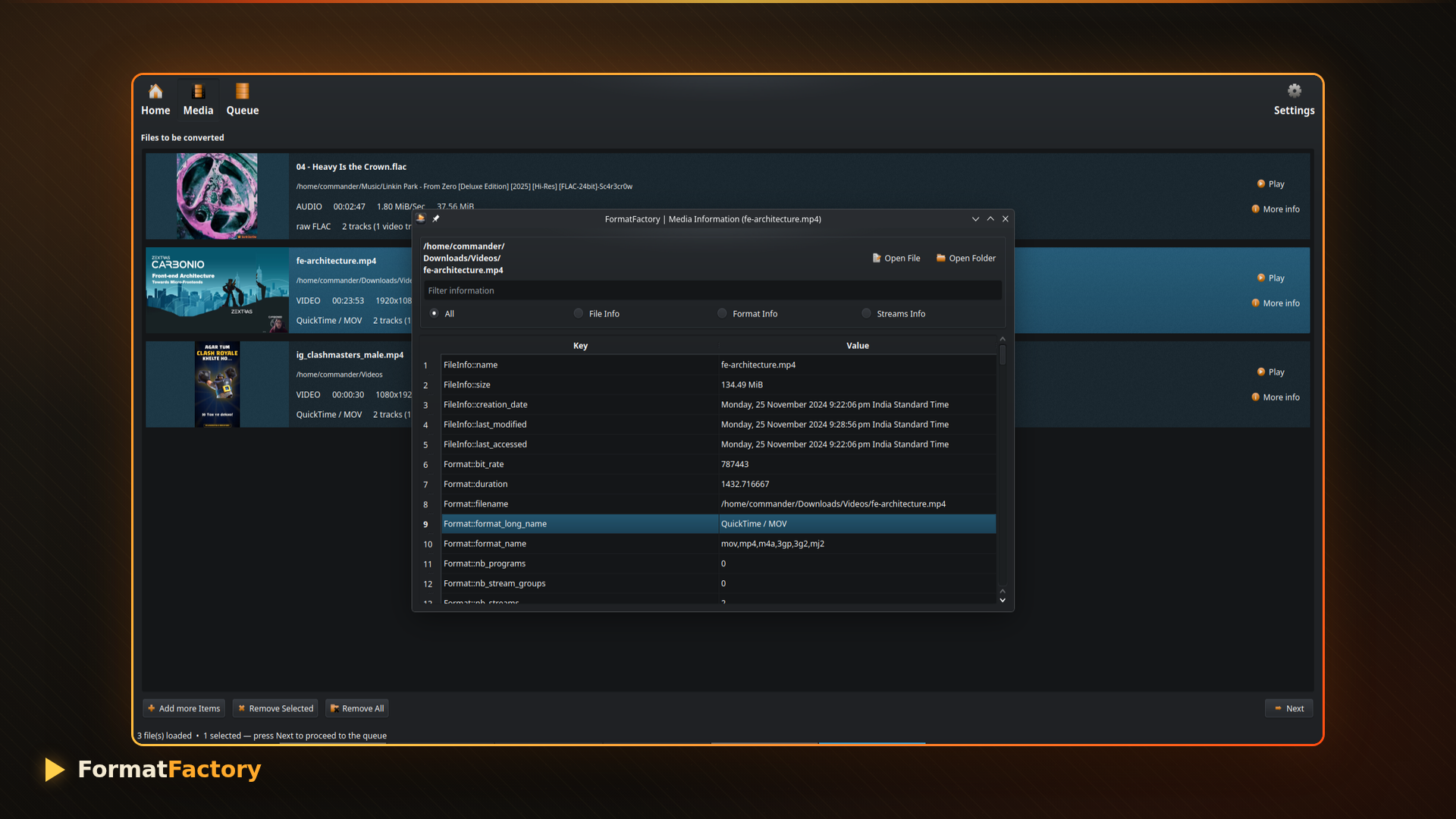
- Embedded thumbnails and cover art
- System theme integration
- Custom Qt styles
- Configurable FFmpeg paths
Because it relies on the system FFmpeg installation, users maintain full control over their encoding environment.
Install FormatFactory
FormatFactory is available through the Snap Store.
Install it with:
sudo snap install formatfactoryFinal Thoughts
For Linux users searching for a capable FFmpeg frontend, FormatFactory offers an impressive combination of simplicity and advanced functionality. Its extensive presets, visual editing tools, hardware acceleration support and batch processing capabilities make it much more than a basic converter.
Whether you’re a content creator, YouTuber, podcaster or simply someone who regularly works with videos and audio files, FormatFactory provides a modern and efficient media conversion experience on Linux.