Loading...
 Red - Youtube Desktop Application
Secure Youtube Player and Downloader
Supported OS:
Linux
Screenshots
Description
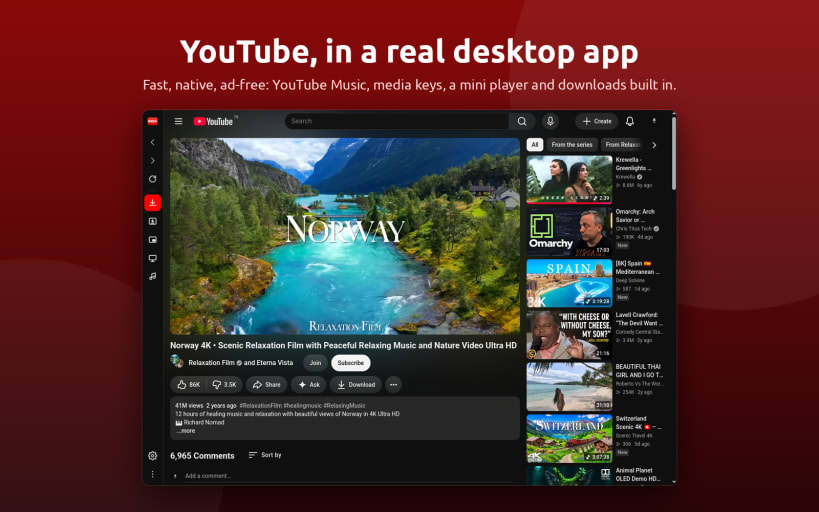
Red is a YouTube client for the Linux desktop: the real YouTube site in a native, lightweight window, with the things a browser tab cannot give you. Sign in with your Google account and your subscriptions, history and recommendations work as on the website.
Three ways to watch
- Desktop mode: the full YouTube website in light, dark or system theme, with a floating mini player that stays above other windows while you work.
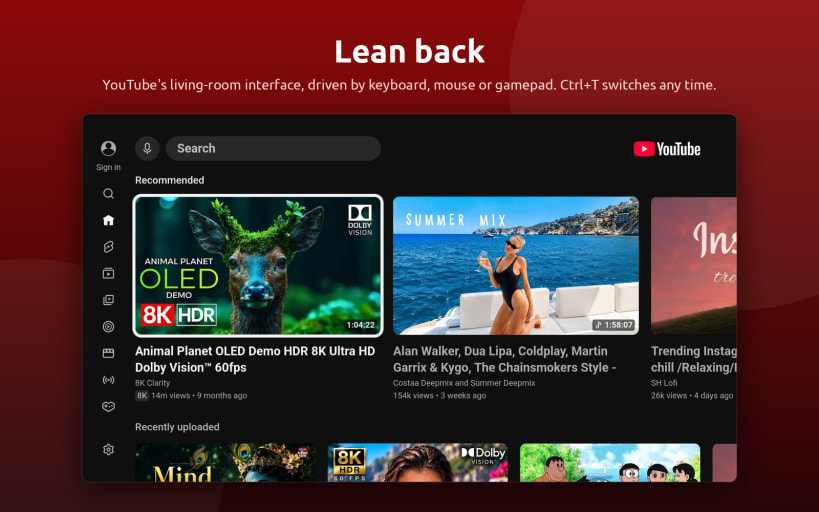
- TV mode: YouTube's smart TV interface (Leanback) full screen, driven by keyboard, mouse or a game controller. Perfect for a media center, a living room PC or a handheld. Switch with
Ctrl+Tat any time; the video you were watching carries over. - Music mode: YouTube Music in the same window (
Ctrl+M), playing on while you browse, with media keys, tray and desktop media controls showing album and cover, and audio downloads one click away.
Watch without interruptions
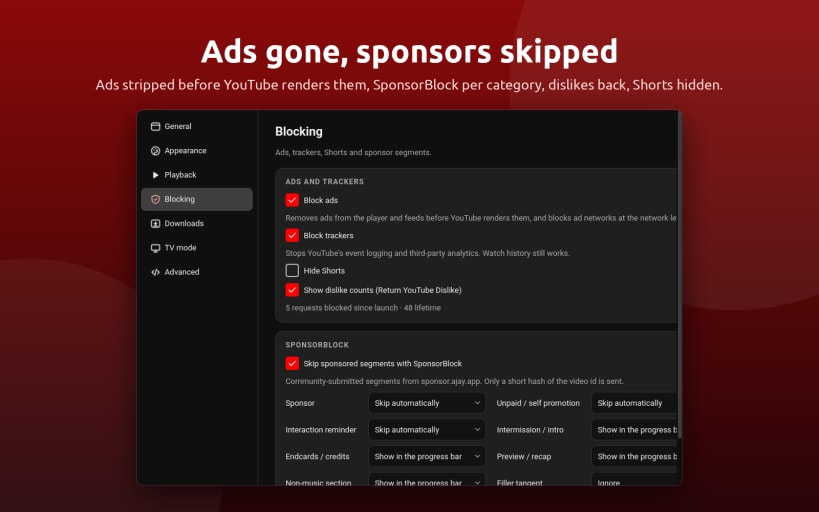
- Built-in ad blocker: video ads, banners and sponsored feed items are removed before the page renders. Playback traffic is never touched, so it cannot break a video.
- Tracker blocking, SponsorBlock to skip sponsor segments, intros and reminders, Return YouTube Dislike counts, and a switch to hide Shorts.
YouTube downloader built in
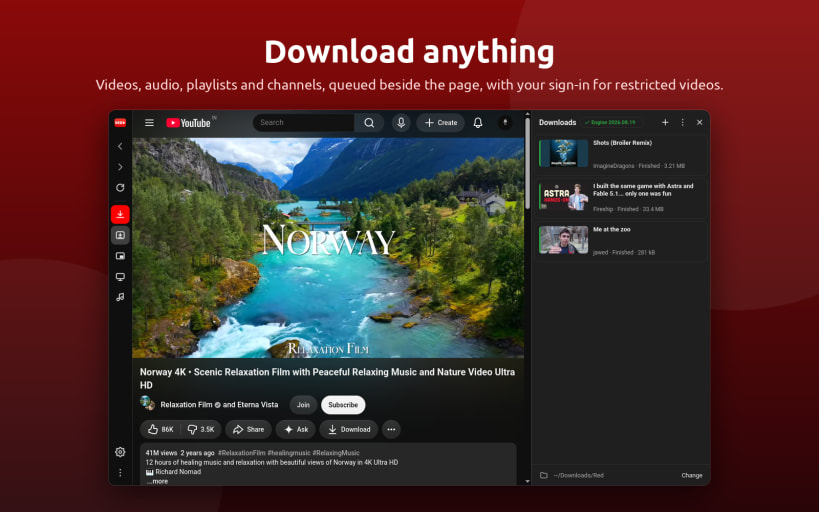
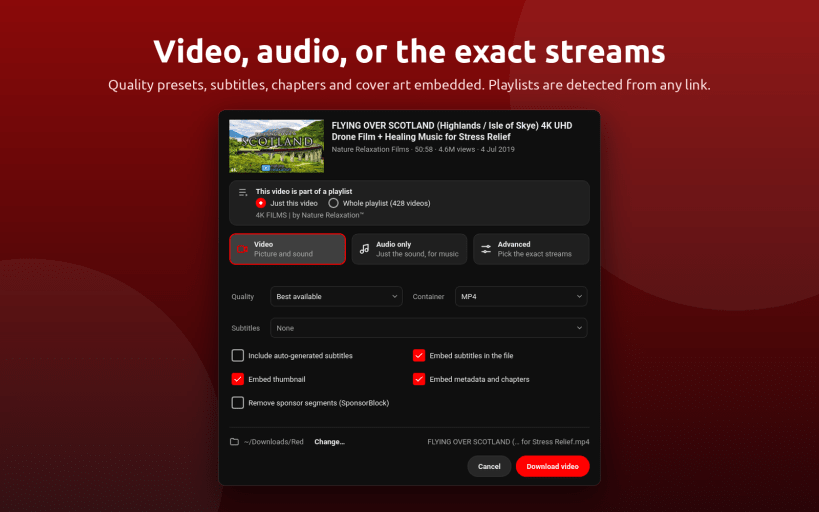
- Download any video, playlist or channel as MP4, MKV or WebM, up to 4K.
- YouTube to MP3: save the audio only as MP3, M4A, Opus, FLAC or WAV.
- Subtitles, thumbnail, metadata and chapters embedded; sponsor segments cut out on request.
- Playlists are detected from any link, entries can be picked one by one, and the queue pauses, resumes and retries. Your sign-in is reused, so age-restricted videos download too.
- The download engine sets itself up on first use and keeps itself updated.
Made for the desktop
- Media keys and desktop media controls (MPRIS), a tray icon with play, pause and skip.
- The screen stays awake while a video plays; playback continues when the window is hidden.
- Hardware video decoding, native Wayland and X11, notifications when a download finishes.
- Single instance:
red-app <youtube-link>opens the link,red-app --download <link>queues a download,red-app --tvstarts in TV mode.
KeyWords: Youtube Downloader, Free Tube, YTD, clipgrab, Ytdl, Youtube-Dl-GUI
Announcements
You might also be interested in

Paraphrase - offline AI writing
Freeware
Private AI grammar checker, rewriter and smart reply writer that runs offline
Linux

ColorWall - Browse & Download Wallpapers
Freemium
Browse & Download Free Ultra HD wallpapers for Desktop
Linux

WonderWall - UHD Wallpapers Store
Freemium
Powerful Desktop Wallpaper manager for Linux Desktop
Linux

ColorSmith - Modern Color Picker
Freeware
Professional color picker, gradient maker, and palette manager
Linux